Excalidraw
Introduction
Excalidraw (https://excalidraw.com/) is a favourite drawing solution which allows uses to rapidly sketch out concepts in an attractive format.
We make use of it on this site to convery initial explanations of how things work, ahead of the need to define solutions and processes in a more detailed manner.
As a general introduction to Excalidraw, visit https://excalidraw.com/.
Using Excalidraw
First...
Do not use the https://excalidraw.com/ site for creating Essity-related diagrams. This is to ensure Essity information is not transmitted to a 3rd party location. This site should anyway not contain any sensitive data, but following good practice is aways important.
Instead, you can follow the instructions here to easily use the same functionality, in a data-friendly manner.
In the context of editing
Editing of the site is done using VS Code, so it is recommended to install the VS code extension for Excalidraw at https://marketplace.visualstudio.com/items?itemName=pomdtr.excalidraw-editor
Once installed,
- create a new file
- in the same directory as the markdown file
- ending in .excalidraw.png e.g. mydiagram.excalidraw.png.
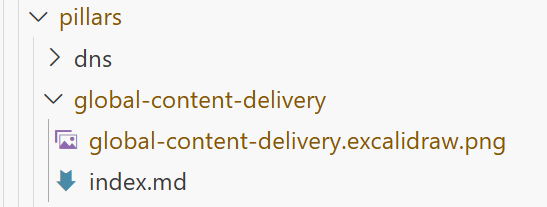
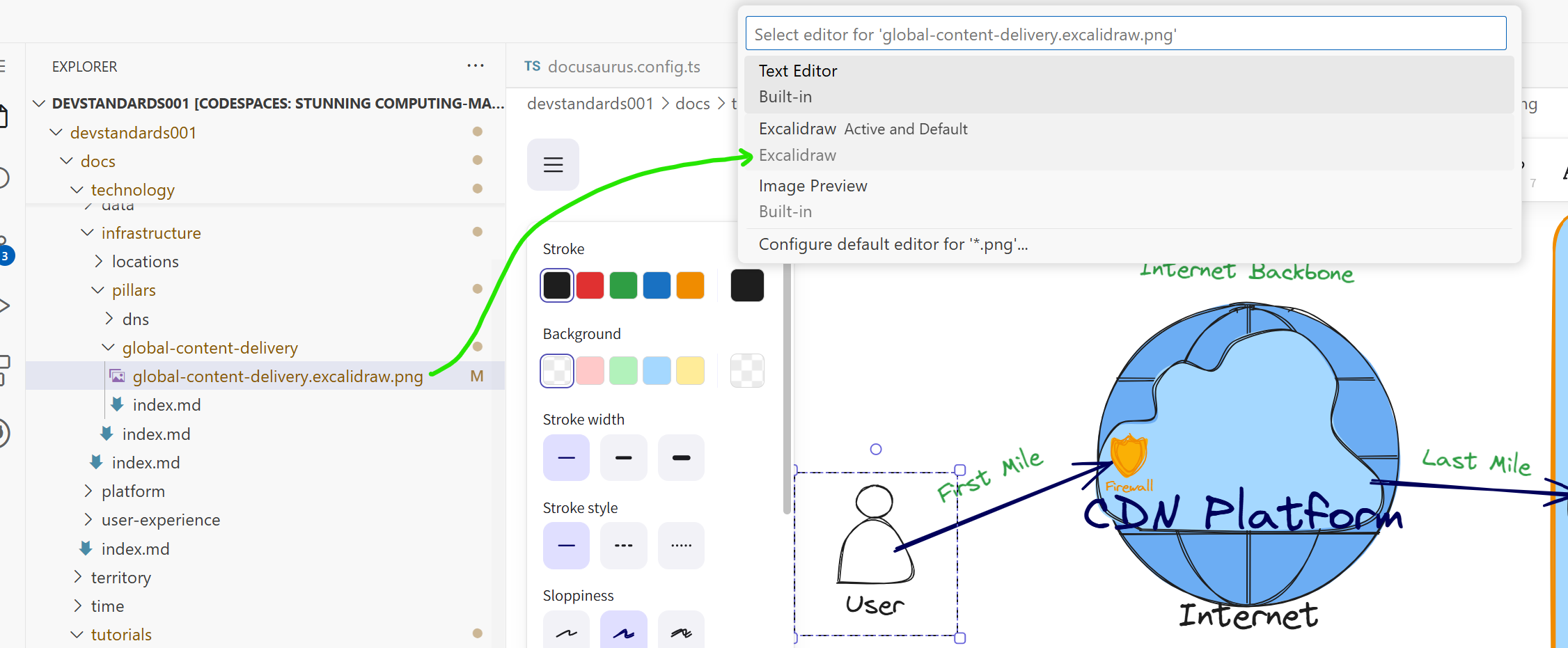
- then opening the file in VS Code, should automatically result in the Excalidraw editor being used. (If not, simply right-click on the file name and select "Open with..." and then select "Excalidraw" from the drop-down).